
Press kit
Writing about Goldfinch?
Here's what you need. For a free press license, questions or an interview, write to hello@usegoldfinch.com.
Facts
| Name | Goldfinch |
|---|---|
| What it is | A Mac photo editor for getting a whole shoot looking good quickly, which Claude can work with through MCP. |
| Platform | macOS 12 Monterey or later; Apple silicon and Intel |
| Files | Canon CR3 RAW, JPEG, PNG. Previews and exports use the JPEG embedded in each RAW file (no full RAW decoding yet). |
| Price | $29 one-time, 2 Macs per license, free updates |
| Trial | Full app; first 20 exported photos free, no time limit |
| Website | usegoldfinch.com |
| Contact | hello@usegoldfinch.com |
| Release date | To be announced |
In short
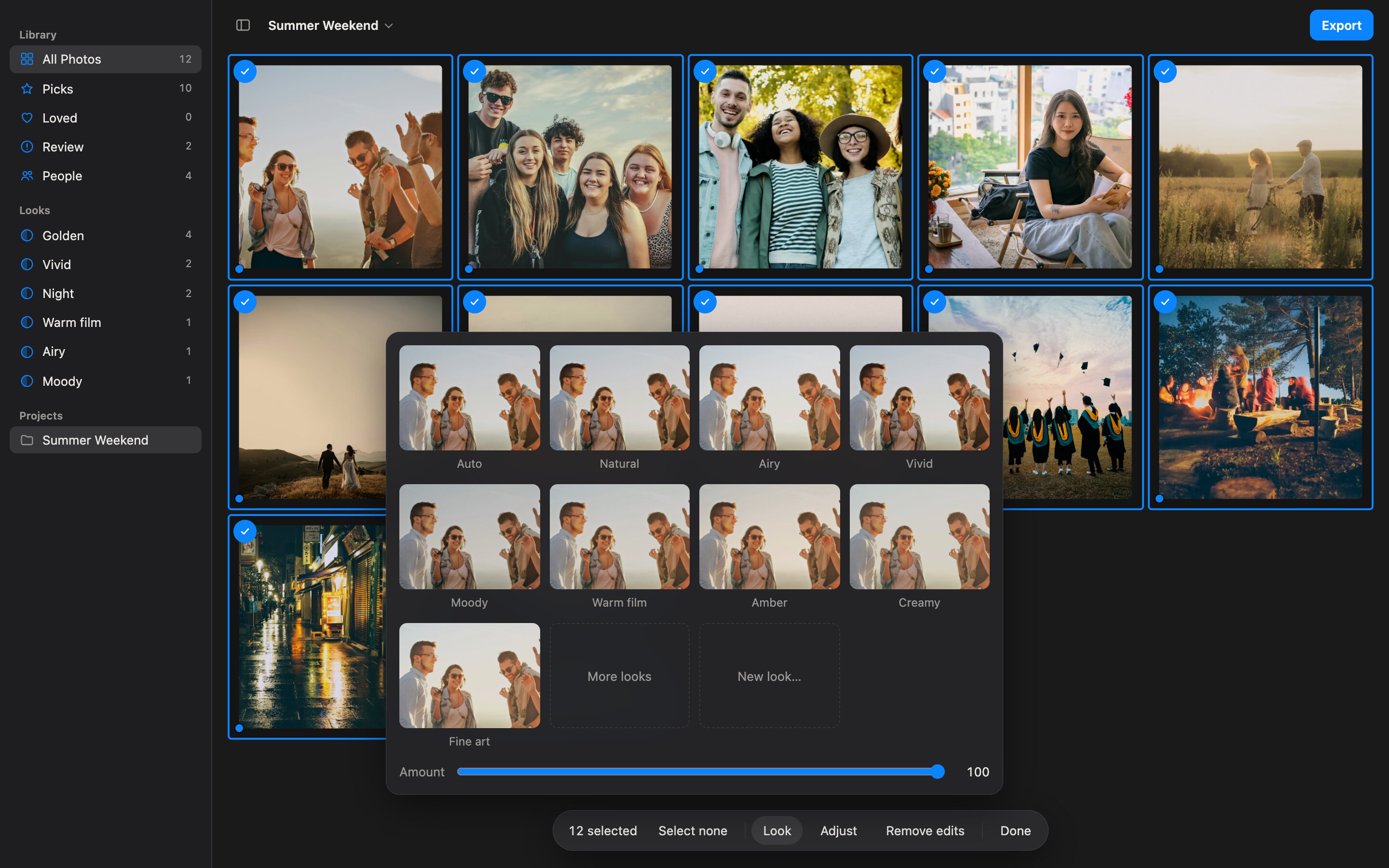
Goldfinch gives every photo in a shoot a careful Auto correction that understands people (it lifts backlit faces without losing the sky), then applies a look fitted to each photo, from everyday styles to a film and cinema set, or a style learned from the photographer's own edits.
It also helps with picking: it checks focus on each subject, flags closed eyes, dark or blown-out faces and tilted horizons, and groups bursts with the best frame marked.
Goldfinch includes an MCP server, so Claude can edit a shoot from a description, preview its own work and explain each change. Other AI apps that support MCP can connect too. RAW files are never modified: edits are readable recipes with a full undo history. Most analysis runs on the Mac with Apple's Vision and Core Image frameworks.
Press licenses
Free licenses for journalists, reviewers and creators covering Goldfinch, on request: email hello@usegoldfinch.com with where you write or publish.
Screenshots
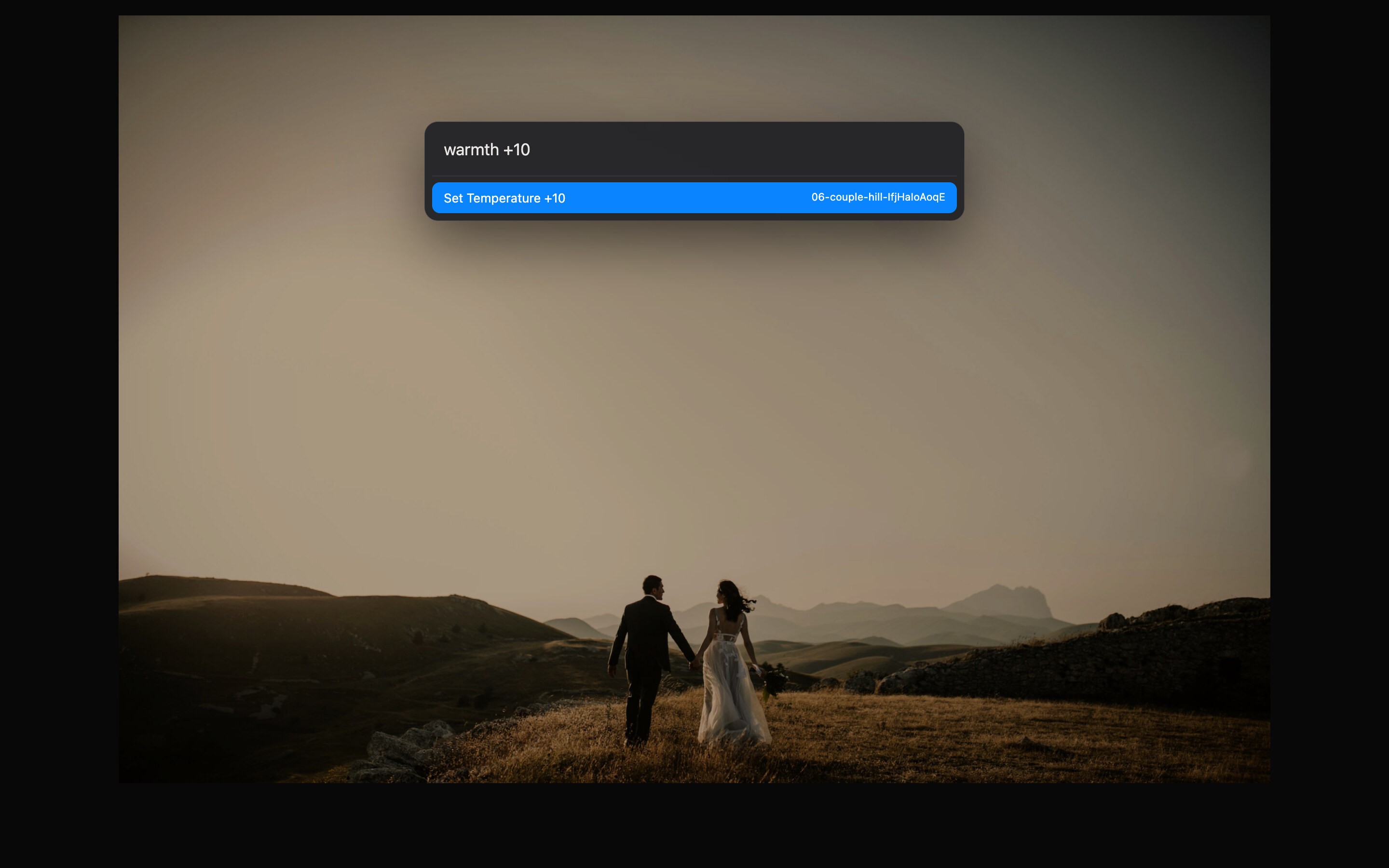
Full-size images (2880 × 1800), free to use in coverage of Goldfinch.
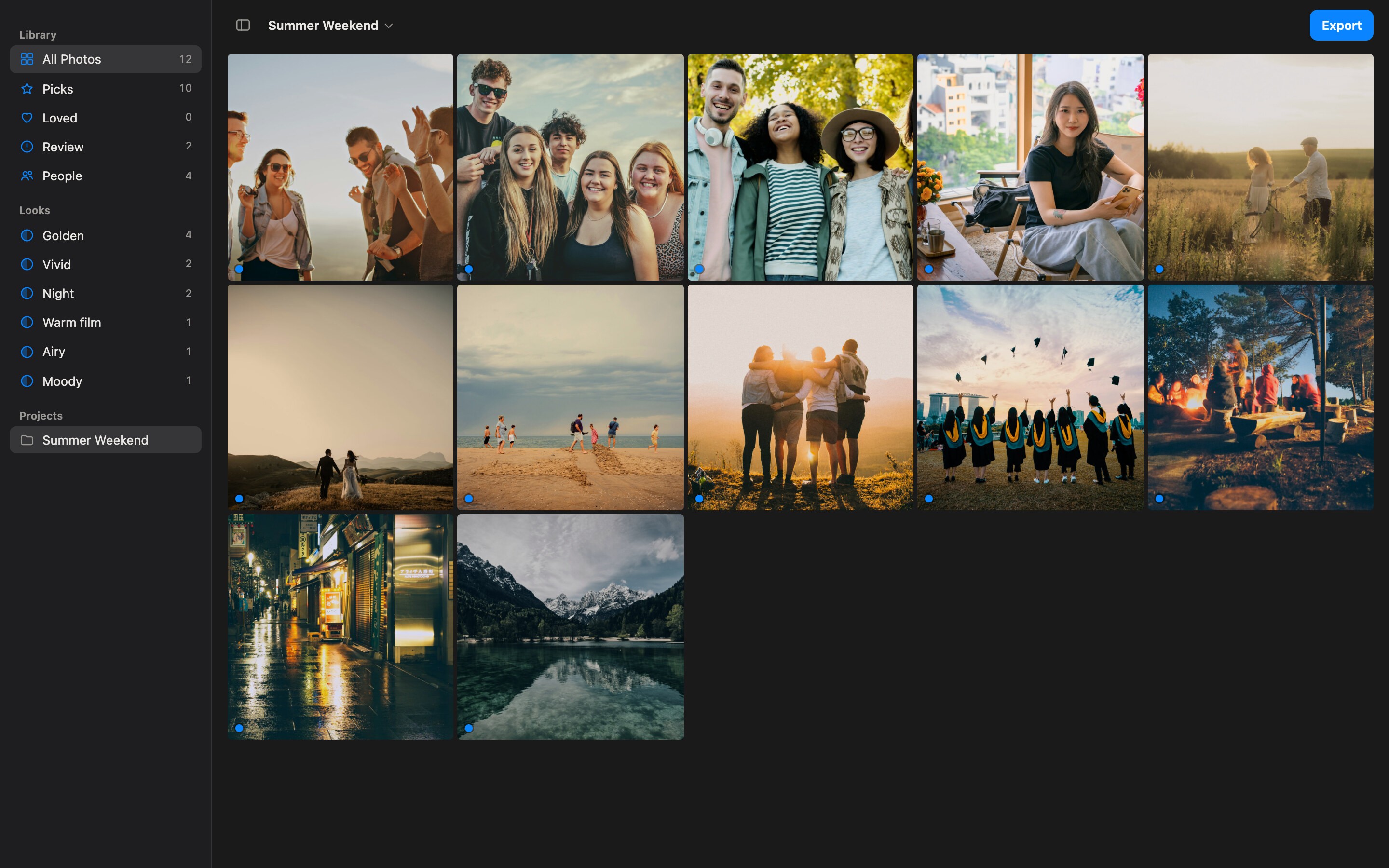
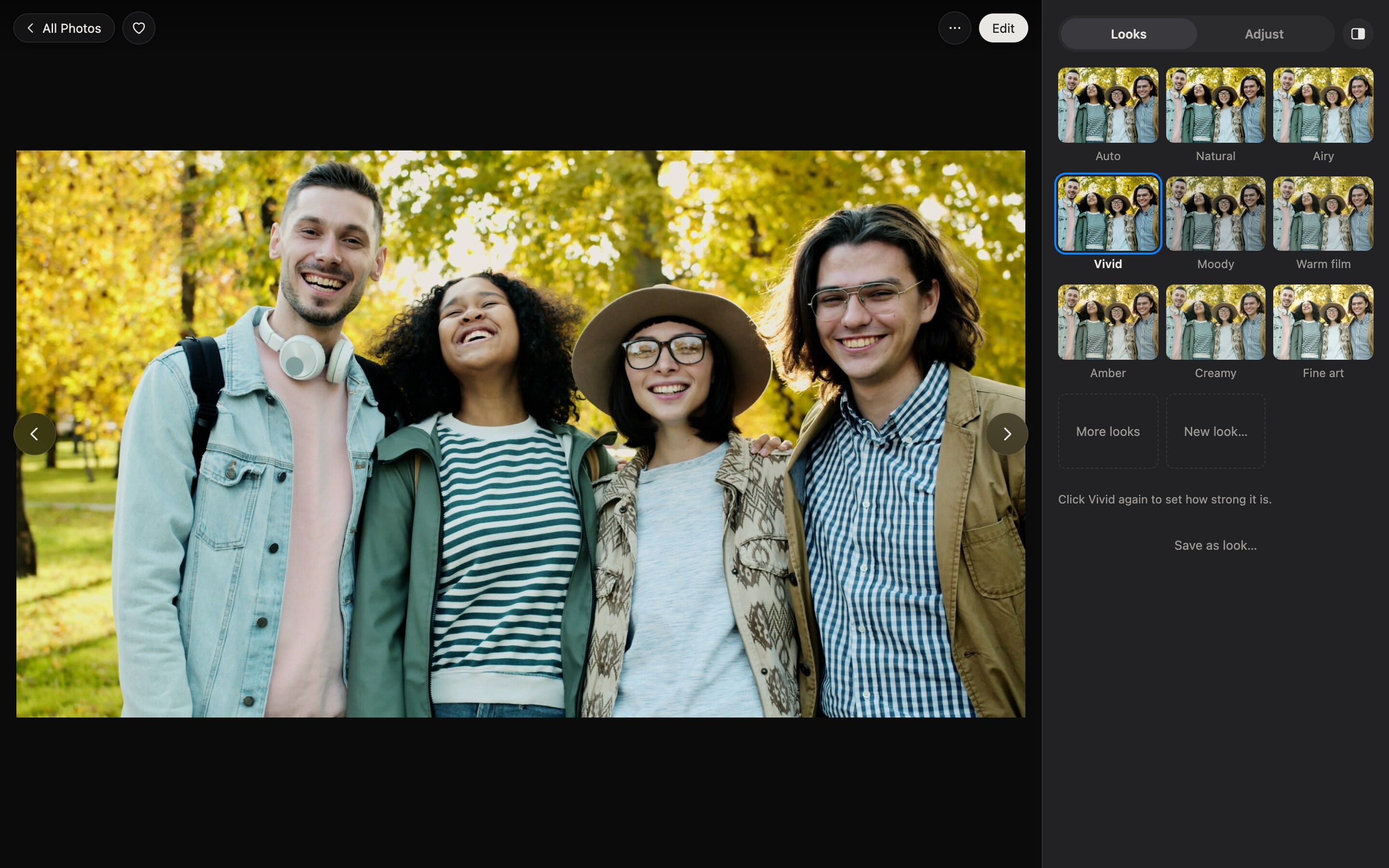
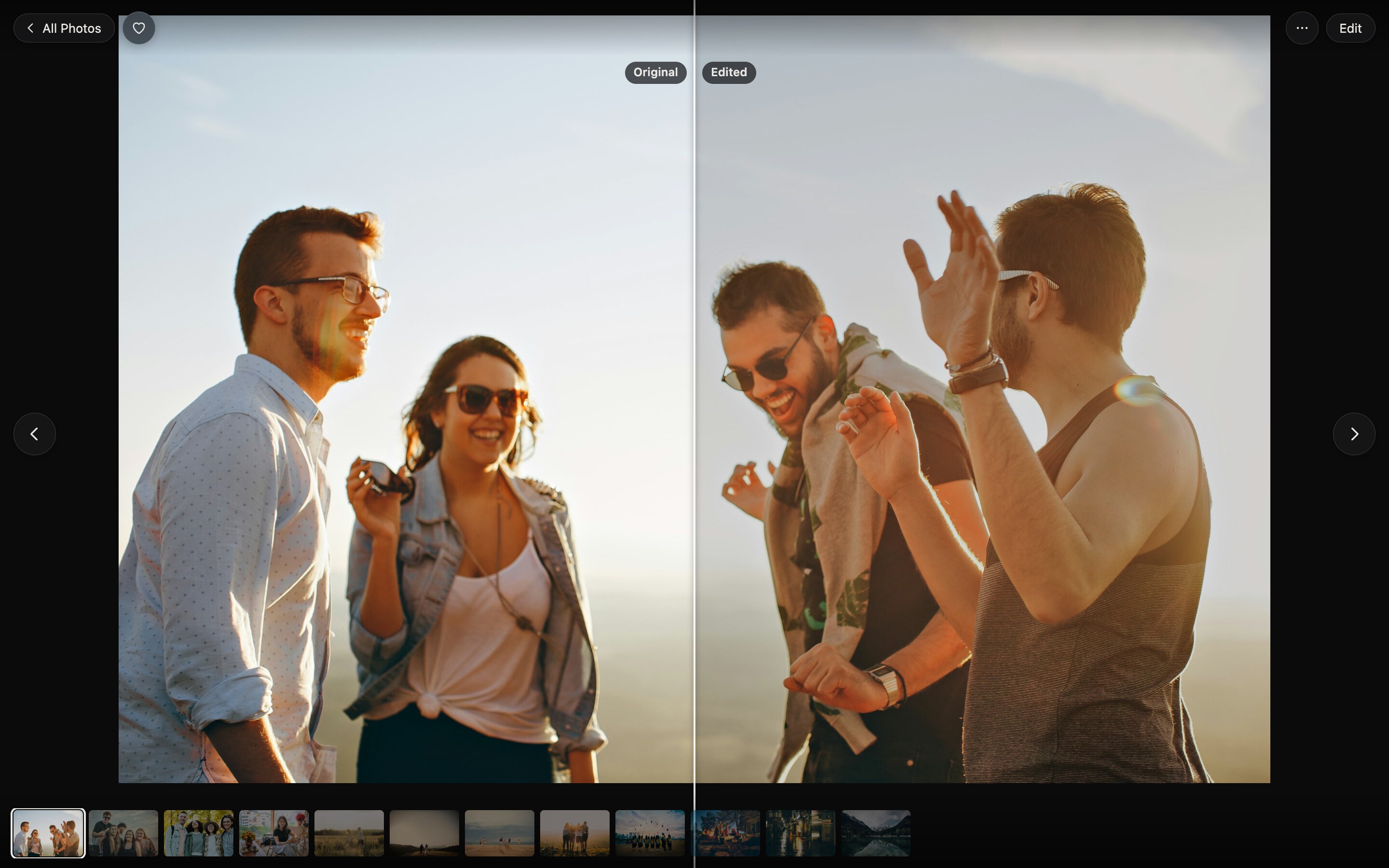
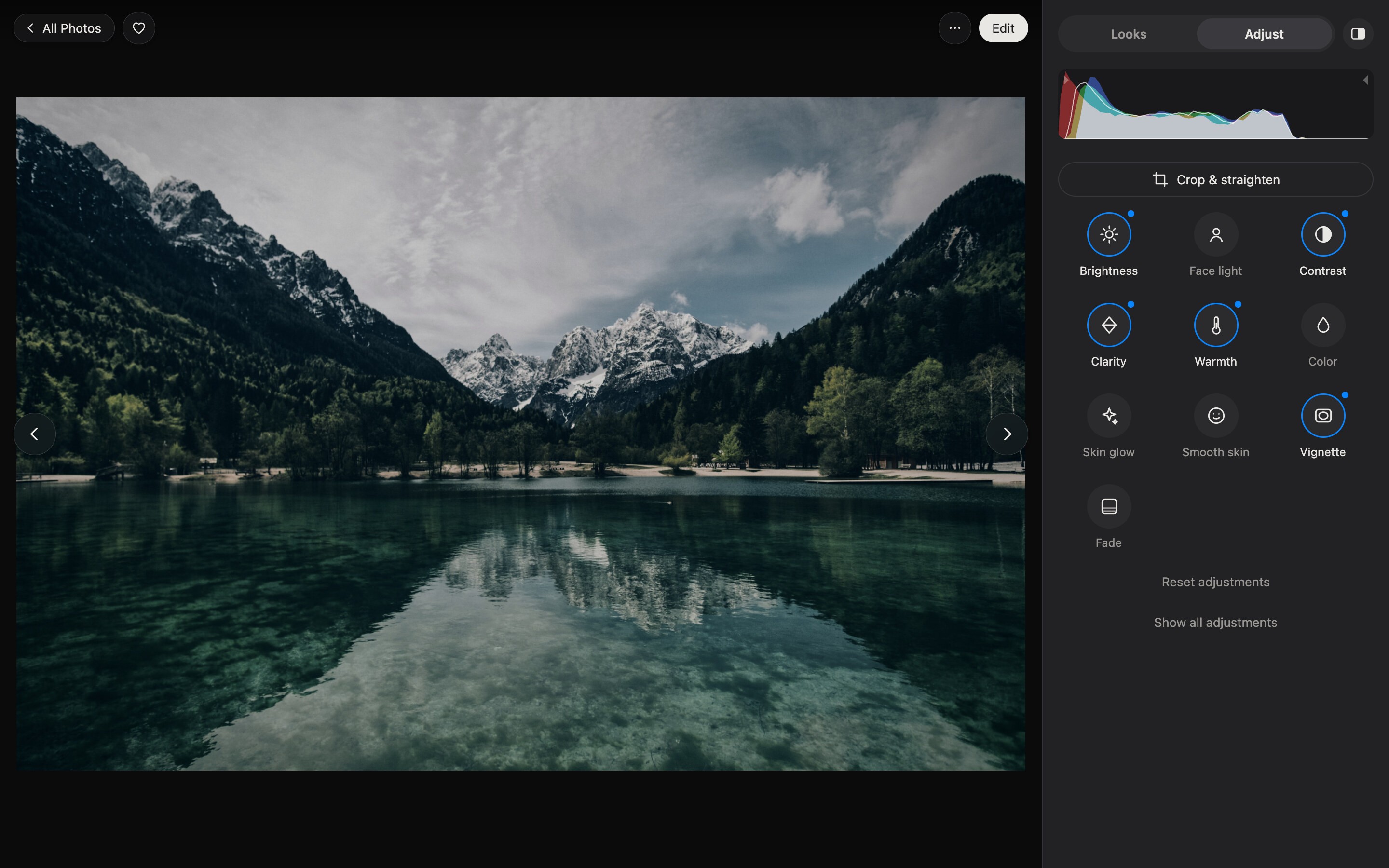
Logo

Photos in the screenshots by Helena Lopes, Tim Mossholder, Vitaly Gariev, MBA studio, Tania Lyahnovich, Foto Pettine, Rein Krijgsman, Pang Yuhao, Tegan Mierle, Red Shuheart and Adam Vradenburg on Unsplash.